
Faculty and Staff
3.23.2026

Why I Started Defining "Syllabus" For My
Students


For many of us, the syllabus is the almighty foundation of classroom management. But for students, the reality is often something entirely different.

Faculty and Staff
2.6.2026
Accessibility Tip #6: The Essentials of Document
Accessibility
PDFs and PowerPoints have accessibility guidelines, too? Yes, yes they do. This post provides a set of simple guidelines to ensure that all students can access your course documents.

Faculty and Staff
2.5.2026
Accessibility Tip #5: The Case for
Captions
Captioning video and audio learning materials is a key element of making your web content accessible. Doing so is simple with UD's video hosting platform, Kaltura. Review the basics of captioning and how to ensure your learning materials are accessible to all students.

Faculty and Staff
2.4.2026
Accessibility Tip #4: Conscientious
Colors
Why do conscientious colors matter for accessibility? 1 in 12 men and 1 in 200 women live with some form of color vision deficiency (CVD). In fact, you might be teaching multiple students this very semester with CVD. Learn how to ensure that your learning materials are color-accessible.

Faculty and Staff
2.3.2026
Accessibility Tip #3: Structuring Content with
Headers
Why make a header on a document different from some larger, bolder text, and why should we ensure that our documents are structured with headers? Our third accessibility tip will show the basics of creating accessible headers on all kinds of learning materials.
Faculty and Staff
2.2.2026
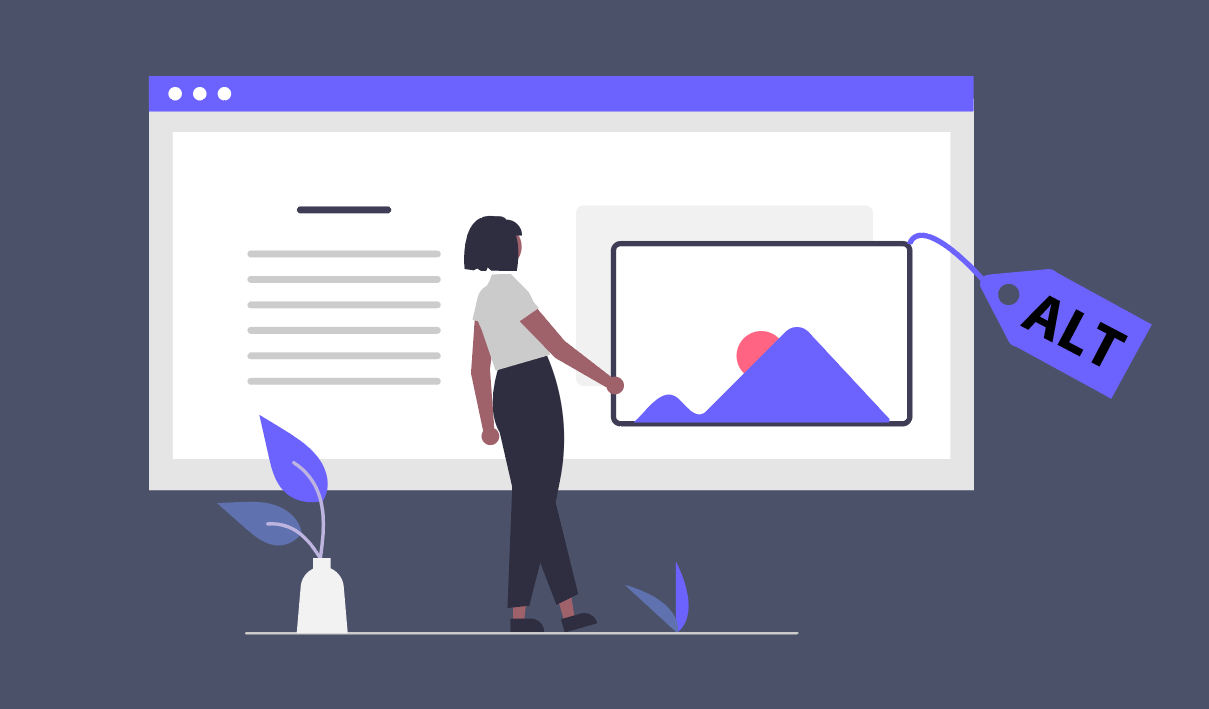
Accessibility Tip #2: Writing Good Alt
Text
Alt text is a short written description or purpose of a digital image in a website or digital document. Learn why it matters for web accessibility and how to use it in your Canvas sites.

Faculty and Staff
2.1.2026
Accessibility Tip #1: The Importance of Meaningful Link
Text
It is everyone's job to care about web accessibility. Learn why meaningful link text is a 'win-win' for every learner in our first accessibility quick tip.

Faculty and Staff
11.20.2025
What To Do When AI Use Becomes
Misuse
When you suspect AI misuse, it’s natural to feel a little unsure about the next steps. This framework offers a thoughtful path forward that supports your students, your course, and your sanity.

Faculty and Staff
10.27.2025
Help Students Study Smarter: Google Gemini Notebooks in
Canvas
If you’ve ever wished your students would actually reread the materials before an exam—or at least do it in a way that helps them retain something beyond the next quiz? NotebookLM might be your new favorite tool.

Faculty and Staff
8.27.2025
Hipparchus Had an Astrolabe - Your Students Have
ChatGPT
AI has put STEM faculty at a crossroads where they need to make decisions on what students need to learn versus what students need to learn to accomplish. This post offers a practical, flexible model for integrating AI into a lower or mid-level STEM course.